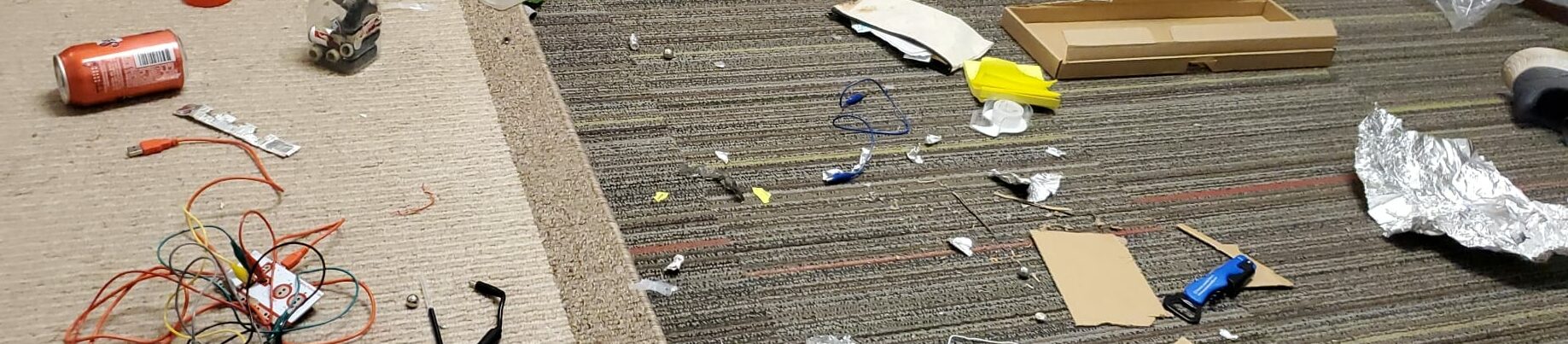
Working with the Makey Makey was the main highlight of this week for me. I did not face any issues understanding or setting it up, but I did get stuck coming up with the idea for the project. The Hack#1 guidelines encouraged an out-of-the-box use of the device, something beyond just a controller function for a digital tool, as I understood it. However, most implementations of the Makey Makey seemed to end up using it as a controller-enabler for a digital app. Initially, I decided to turn a chair into a VR controller, using the feet and armrests as buttons for movement within the game, but again, I wasnt sure if that would qualify as a particularly new use since it fit the controller-for-app concept.
It took me most of the week just to get to the idea of using a conductive handheld board with a freely moving object inside it, instead of using a finger or limb movement to press buttons. Implementing it was not as difficult, just tedious. The surface of the board had to be carefully wrapped in aluminum foil without letting it wrinkle, which was a challenge. I did go down a rabbit hole of installing Arduino to somehow remap the Makey Makey keys, before realizing it was much simpler to just do it on scratch.
When writing the Artist’s Statement, I followed my own approach, using concepts from the readings as I understood them, but not directly referencing any author, and I’m not sure now if that was the expected writing style.
I think the demoing process in class can be improved. The Hack uses a lot of tiny, sensitive parts that can easily become misaligned, and transporting them to the screen and setting them up right before presenting can add a lot of uncertainty and anxiety. My project didnt require going up to the screen, but it was still difficult to demo it while everyone was physically oriented towards the screen. One possible redo could be to have each student set up their project on a separate table/space in the classroom, and demo it one by one, and then have students walk around and use each others’ projects. Plugging into a big screen is not necessary in this case, as each student can get up close to the laptops, which is also a more realistic use of the product in most cases. It’s still possible to connect each computer to the tv screen from a distance (T&I could set it up), if more desirable. Then, students can take turns talking about each project.
Apart from the Hack, there wasn’t much else to face a challenge with so far. The readings this week were quite insightful.

Leave a Reply